For WooCommerce stores and agencies
ChatGPT doesn'tsee your products
Find out why in 30 seconds. We fill in the brand, category and attributes missing from the data AI assistants read. You approve each fix and can undo any change.
~30 s, no sign-up
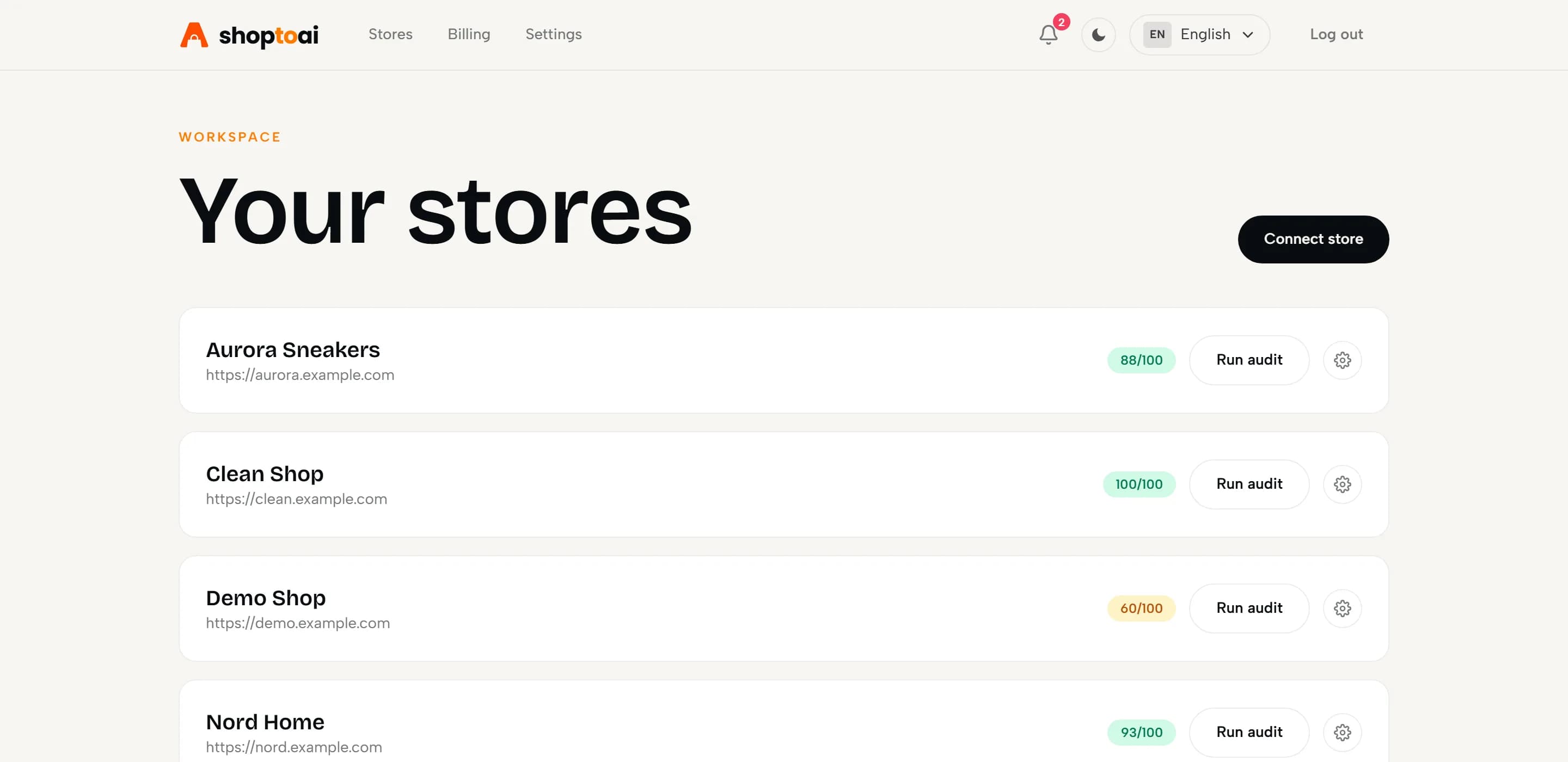
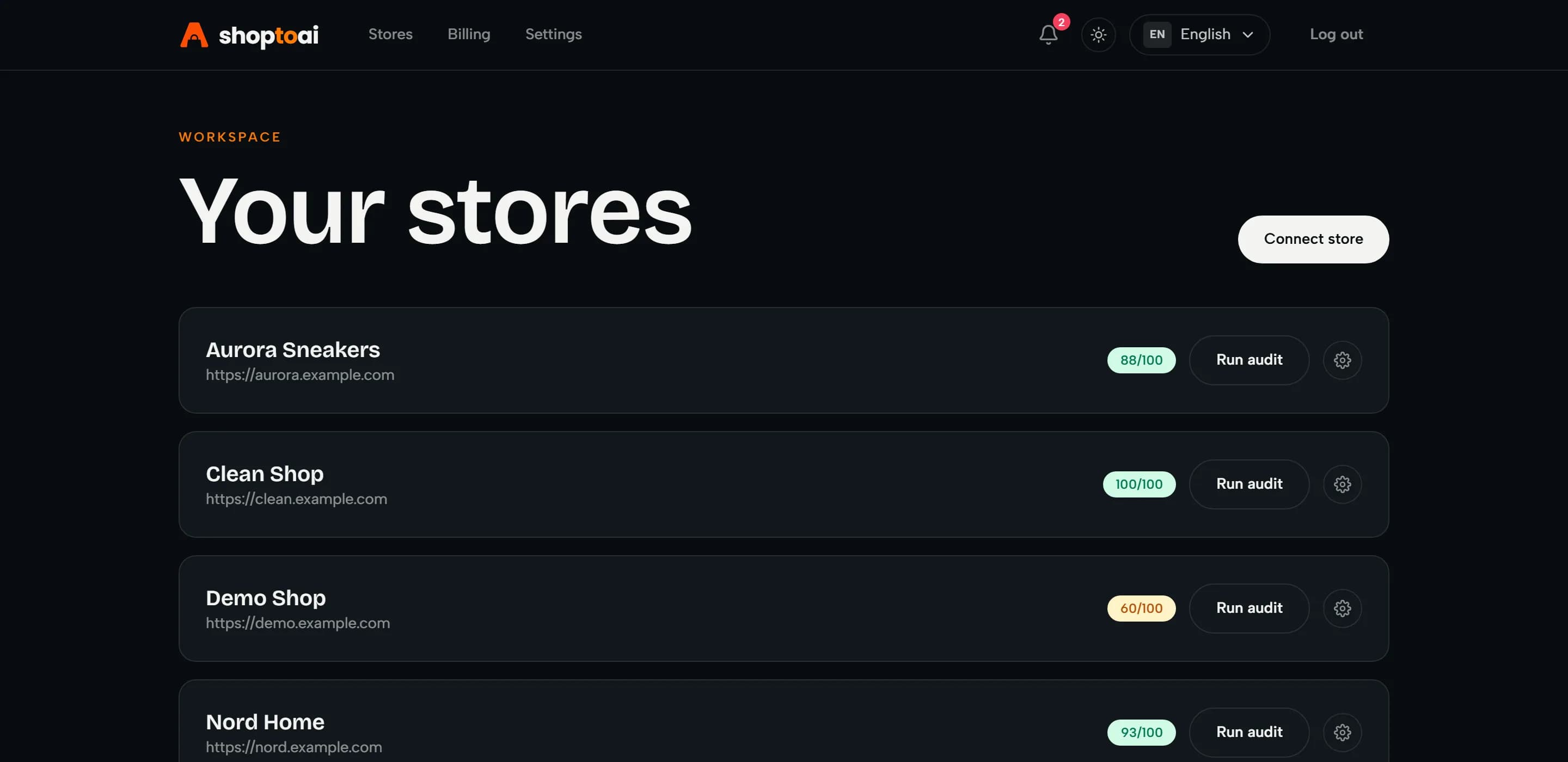
See where you stand
Check your store's products, free
Paste your store address. We open a sample of products from across the catalog the way AI shopping assistants read them and show what's missing. You don't need to log in or connect the store.
The problem
If AI can't read your catalog it can'tsell it
A shopper asks an AI assistant for the best option in their budget. The assistant can only work with products it can read: a clear price, brand, GTIN and structured data. When those are missing, the assistant can easily skip your product, and your analytics never shows the sale you lost.
Missing data is the part of this you can fix
In October 2026 we checked one product page in each of 96 Polish WooCommerce stores. 76% had no brand in their data and 90% had no GTIN. How we checked
What AI needs to read your product
AI assistant
AI shopping assistant
For running under $150, these two are the best picks right now:
- 1.
Cloud Stride 2, $129
Best grip for the price, breathable upper
- 2.
Terra Peak GTX, $139
Durable trail cushioning, wide fit
Your product isn't in the answer
Your product: Trail Runner GTX
How it works
From first scan toapproved fix
- 01
Connect your store
Link WooCommerce in a minute with a Read/Write API key. Your product data in WooCommerce stays as it is, and by default no fix goes live before you approve it.
- 02
Get your score
We check every product against what AI assistants need and score your catalog from 0 to 100.
- 03
Fix the gaps
We propose missing brands, categories and attributes. Approve them and they go into the markup and product feeds we serve, and you can roll back any change.
- 04
Hand the data to AI
We build clean product feeds, JSON-LD and a hosted llms.txt. Our plugin adds the JSON-LD and llms.txt to your store and opens robots.txt to AI crawlers. Each feed gets its own link that you can add to Google Merchant Center.
For agencies
Run every client store from one panel
Audit and fix each client's catalog, then send the client a report with the score before and after.
- Up to 15 client stores on Agency
- Client report as a link or PDF with your logo
- Your team in one account, billing stays with the owner
What you get
Fix what AI gets wrongin your store
Monitoring tools show whether AI skips your store. SEO plugins add schema markup to the data you already have, gaps and all. We fix the product data AI can't read.
Approve hundreds of fixes at once
For each product we propose the missing brand, category and attributes. You approve them one by one or all at once, and each change keeps its old value, so you can roll it back.
Check a product page free→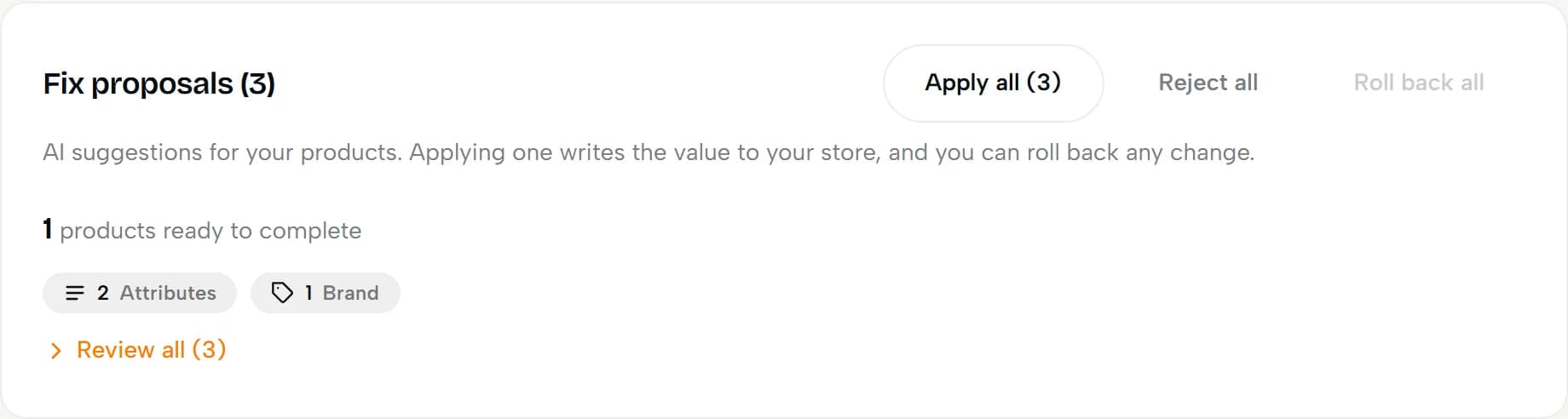
FAQ and buying guides
We write FAQ answers and comparison guides for your products, so assistants have clear text to quote. You read them before they go live. It comes with the Growth and Agency plans.
Check a product page free→See how AI shows your products
We ask ChatGPT, Perplexity and Gemini the questions buyers ask and check whether the products you pick show up and whether the quoted price matches your catalog. Available from the Starter plan.
Check a product page free→In numbers
Built on the standards AI assistants read
Audit rules built on Google, Schema.org and GS1 guidelines
AI crawlers allowed by our plugin
Crawlers our plugin allows in robots.txt
Questions
Before you ask
No. By default every fix waits for your approval. Approved brand, category and attributes go into the markup and feeds we serve, and your product data in WooCommerce stays as it is. You can turn on auto-apply, which fills an empty brand only when the product name already states it. Every change keeps its old value, so you can roll it back at any moment.
The product page check and the first catalog audit are free, no card required. Fixes and Deep Scan come with a paid plan, and agencies can run up to fifteen client stores from one account. All plans and prices are on the pricing page. Pricing
No. You create a WooCommerce API key and install our plugin from WordPress.org, which takes a few minutes. Then you paste two codes from your dashboard, and from that point the plugin handles the markup, llms.txt and robots.txt on its own.
Yes. We do not rely on your theme at all: the plugin adds the structured data itself and silences duplicate markup coming from WooCommerce core or SEO plugins, so nothing collides.
Not noticeably. The plugin keeps each product's markup in a cache, so most page views send no extra request. When the cache is empty, it waits for our server for at most 3 seconds. If our server can't be reached, your store shows the last saved markup or works exactly as before.
You connect with a Read/Write WooCommerce API key. Today approved fixes go into the markup and feeds we serve, and write access is reserved for fixes that change product data in WooCommerce. Keys are stored encrypted and never logged, and we read and write catalog data only, never customers or orders.
A scan of up to 100 products from one store, an AI-readiness score from 0 to 100 and the list of issues ranked by impact. No card required.
Deep Scan re-reads your live product pages and confirms the markup is there, and your AI-readiness score shows the before and after. Whether an assistant then names your product in an answer is what our product monitoring checks, from the Starter plan. Brand monitoring is on the Agency plan.
The audit and fixes are immediate. AI assistants pick the changes up as their crawlers revisit your store, usually within days to a few weeks. Deep Scan confirms right away that the markup is live on your pages.
We make your catalog readable to the main assistants: ChatGPT, Perplexity, Gemini, Claude and Google AI Overviews. We publish product feeds and JSON-LD, and our plugin opens robots.txt to AI crawlers such as OAI-SearchBot, PerplexityBot and Claude-SearchBot. Google AI Overviews reads your pages through the regular Googlebot, and the audit checks that it isn't blocked. Our AI-answer monitoring tracks ChatGPT, Perplexity and Gemini.
AEO (Answer Engine Optimization) is about product data that AI assistants can read: brand, GTIN, attributes, JSON-LD and product feeds. GEO is about content they can quote, like FAQ and buying guides, and about letting their crawlers in. shoptoai starts with AEO, the product data. It also writes FAQ and buying guides for your products and checks that AI crawlers can reach your store. Full guide to AEO
Get started
Audit your catalog for free
Create an account, connect your store and check up to 100 products. You don't need a card.
Running stores for clients? See the Agency plan